LogTuber for YouTube
The best subtitle notes app for YouTube.
Learn a second language with videos you genuinely want to watch. Multilingual subtitles, contextual translation, automatic notes, and natural voice playback happen as the video plays.
 Add to Chrome for free
100 free AI contextual translations every month. No payment required.
A complete learning flow
Understanding is the start. Remembering is learning.
From opening a video to your next review, LogTuber connects every step in one continuous learning flow.
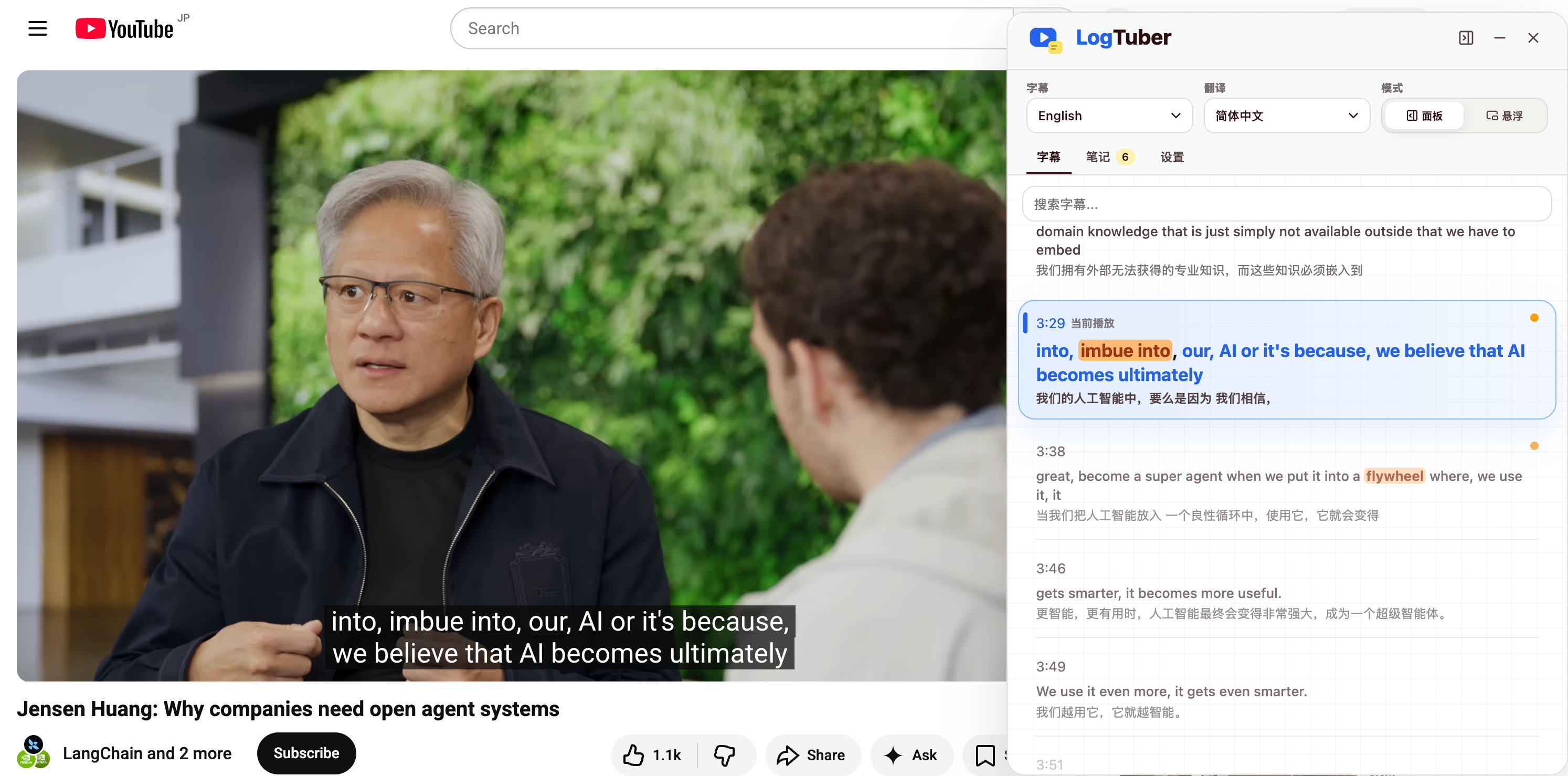
01 Read subtitles
Subtitles that follow the video without interrupting it.
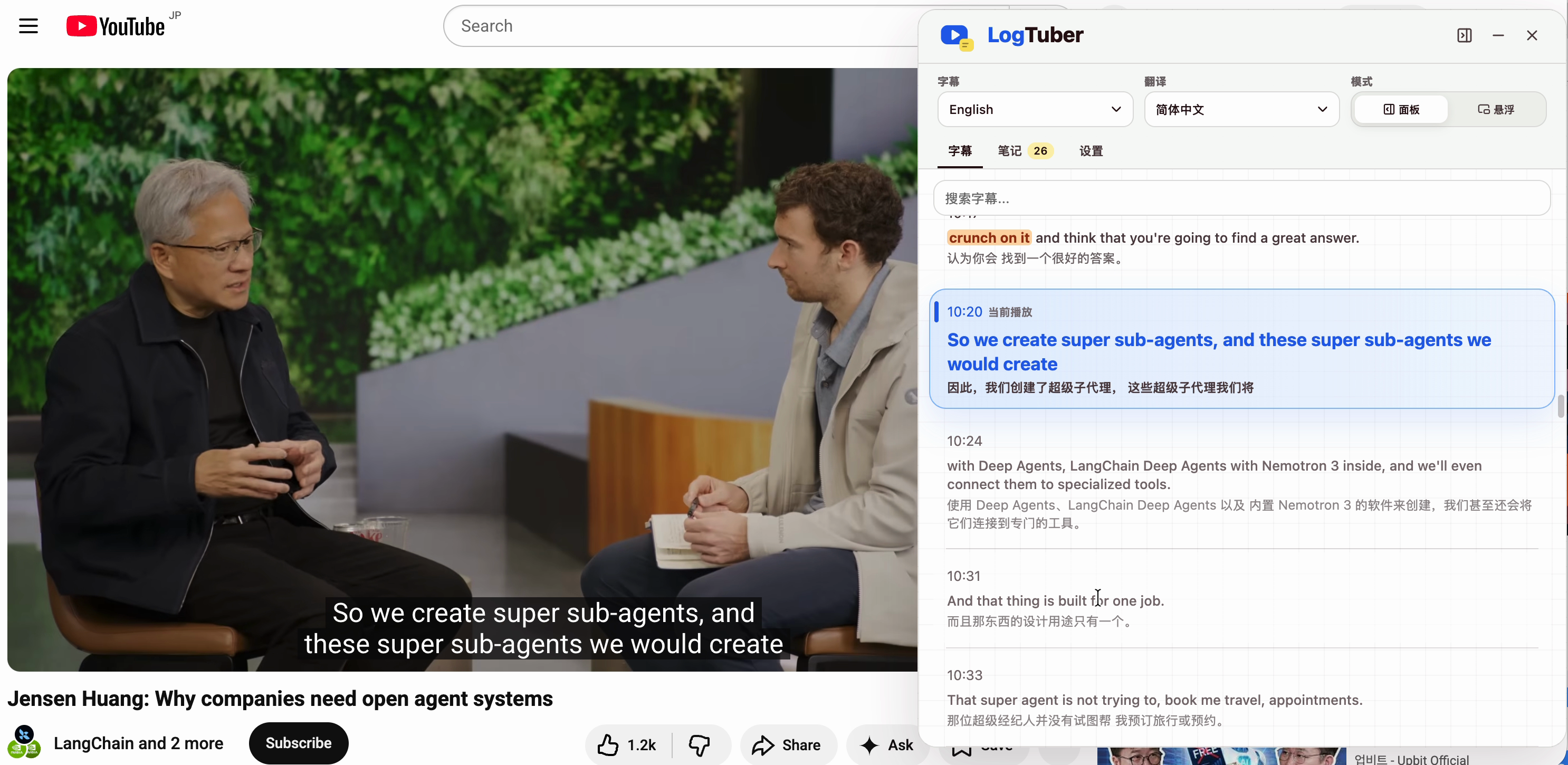
Original and translated subtitles update with playback, and the current line is highlighted automatically. Use the panel to check context, or switch to floating subtitles for immersive viewing.
- Display multilingual subtitles in sync
- Highlight and follow the current line automatically
- Choose between panel and floating subtitle modes
02 Understand context
Not just a word. Understand the sentence.
Select a word, phrase, or full sentence. LogTuber uses the current subtitles to explain its meaning, tone, and usage—bringing the translation, breakdown, and examples together.
- Understand the current context, not just a dictionary definition
- See translations, usage, explanations, and examples together
- Understand expressions without leaving the video
03 Save automatically
Every lookup becomes a note you can return to.
Once an explanation is ready, LogTuber automatically turns the selection, full original sentence, video timestamp, translation, and breakdown into a note. When you review it later, the original reason you looked it up is still there.
- Keep the selection and full original sentence
- Record the source video and exact timestamp
- Skip copying, pasting, and manual organization
04 Review and listen
Return to your notes. Turn understanding into memory.
In Web Notes, review notes and transcripts by video. With one click, natural voice playback reads the original sentence or key phrase, turning what you understood into material you can hear and repeat.
- Organize notes and full transcripts by video
- Search expressions and return to the exact moment
- Listen to original sentences or key phrases from your notes
FAQ
Questions before you install
How do I get started after installing?
Open a YouTube video with subtitles. LogTuber displays a subtitle learning panel beside the video, so playback, selection, understanding, and note-taking all happen on the same page.
How do the 100 free AI contextual translations work?
Each calendar month includes 100 free model translation or explanation requests for selections you actively trigger.
What does automatic note-taking save?
Each note keeps your selection, the full original sentence, video timestamp, translation, dictionary details, model explanation, and source video, so you can return to the exact context later.
Can I review the full transcript?
Yes. In Web Notes, you can review notes and transcripts by video, then jump back to the corresponding moment on YouTube.
What can voice playback read?
Natural voice playback can read saved original sentences and key phrases, making it useful for listening review and speaking practice.